
Industrial Printer Maintenance Guide for Uptime




What Can We Help You With?
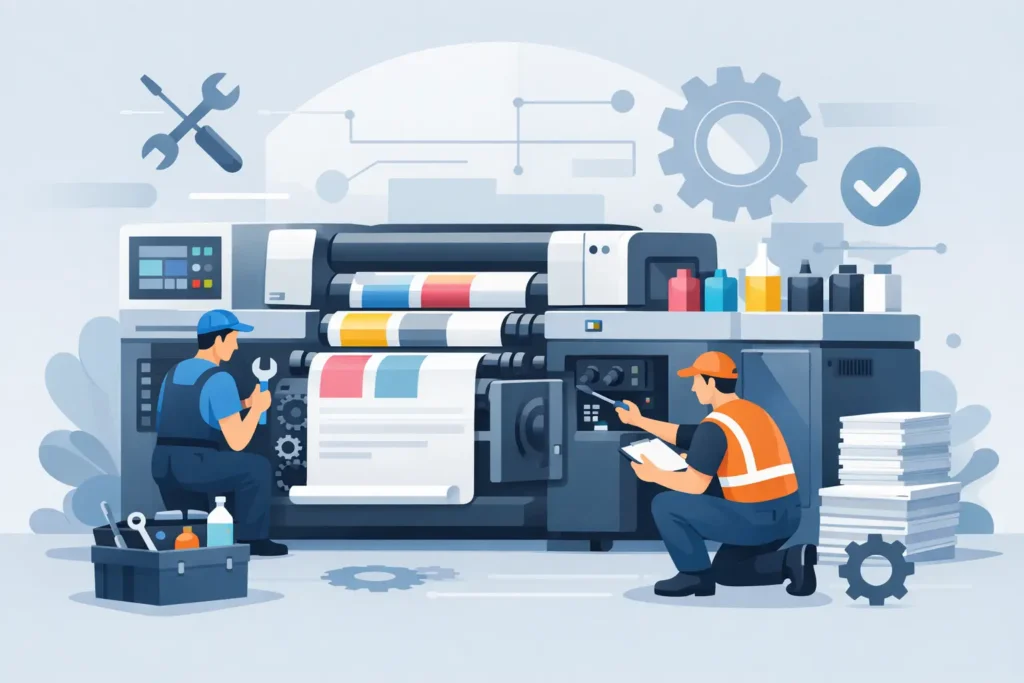
An industrial label printer can seem to be working perfectly—until a barcode fails to scan at receiving, a shipping label smears in transit, or a production line comes to a halt because an operator needs to troubleshoot a ribbon issue.
These aren’t just minor printing problems. They can lead to costly delays, rework, inventory errors, and compliance risks.
A consistent industrial printer maintenance routine helps prevent these disruptions and keeps thermal label printing reliable in demanding warehouse and manufacturing environments.
Industrial printers are designed to handle higher duty cycles than desktop equipment, but that doesn’t mean they’re maintenance-free. Dust, adhesive buildup, ribbon debris, worn components, incompatible media, and rushed adjustments can all affect print quality over time.
A well-planned maintenance program does more than protect your printer. It helps protect the entire identification and labeling workflow that depends on it.
Start With the Conditions Around the Printer
Before cleaning or servicing an industrial printer, consider where and how it operates.
A printer in a climate-controlled shipping office faces very different challenges than one installed near a production line, lumber yard, recycling area, or cold-storage entrance. Airborne dust, moisture, chemical exposure, temperature fluctuations, vibration, and direct sunlight can all shorten component life and affect label performance.
Start by ensuring the printer is positioned on a stable surface with enough clearance to load media and access the printhead. Keep the surrounding area free of loose label stock, packing debris, and spilled materials.
If the printer operates in a dusty or particularly harsh environment, more frequent external cleaning or an appropriate protective enclosure may be necessary.
Remember, the printer, label material, ribbon, and environmental protection all need to work together. Cleaning alone cannot compensate for equipment or materials that aren’t suited to the application.
Print volume should also determine how frequently maintenance is performed. A printer producing a few hundred labels per week won’t necessarily need the same schedule as one printing thousands of labels per shift.
Track print volume, label failures, and service events for each printer. This information gives maintenance teams a much more accurate basis for scheduling preventive care than relying on generic calendar reminders.
Industrial Printer Maintenance Guide: Routine Cleaning
For most thermal transfer and direct thermal printers, cleaning should take place whenever media or ribbon is changed, or at the interval recommended by the manufacturer. High-volume operations may require more frequent attention.
Always power down the printer before servicing it, allow the printhead to cool, and follow the equipment manufacturer’s safety instructions.
The printhead requires particular attention. As a precision component, it can be damaged by scratches, residue, and overheating. These issues can cause faded areas, missing lines, and inconsistent barcode contrast.
Use approved cleaning materials, typically a lint-free swab or wipe with the recommended cleaning solution. Wipe in one direction across the printhead rather than scrubbing aggressively. Never use sharp tools or abrasive materials to remove buildup.
The platen roller should be cleaned at the same time. Adhesive residue and paper dust can interfere with label feeding, cause skewing, and create inconsistent pressure against the printhead.
Rotate the roller by hand while cleaning to ensure the entire surface is addressed. If the roller is cracked, glazed, worn flat, or no longer grips media consistently, cleaning won’t solve the problem. Replacement is necessary.
Other areas also need regular attention, including media sensors, ribbon sensors, label guides, and peel or cutter assemblies.
Dust on a sensor can cause the printer to misread label gaps or black marks, resulting in skipped labels or calibration problems. Adhesive buildup around a peel plate can prevent labels from lifting correctly or cause jams. Clean these components carefully according to the printer model’s service instructions.
A practical cleaning routine should include:
- Printhead: Clean with approved lint-free materials and the recommended cleaning solution.
- Platen roller: Check for residue, wear, and smooth rotation.
- Media and ribbon sensors: Remove dust and accumulated label debris.
- Label guides, peel assemblies, and cutters: Inspect and remove adhesive buildup.
- Exterior and media compartment: Keep free of dust, loose stock, and other debris.
Match Media and Ribbon to the Application
Not every printer problem starts with the printer itself. In many cases, the issue comes down to the consumables being used.
An overly abrasive label, an incompatible ribbon, or an adhesive that accumulates on rollers can increase component wear and reduce barcode readability.
Operators sometimes try to compensate by increasing print darkness. While this may make the immediate output appear darker, it can also put unnecessary stress on the printhead.
For thermal transfer printing, ribbon selection should match the label facestock and the conditions the finished label will encounter.
- Wax ribbons can work well for standard paper label applications.
- Wax-resin ribbons offer greater durability for more demanding applications.
- Resin ribbons are typically suited to demanding synthetic materials and applications requiring greater resistance to abrasion, chemicals, or outdoor exposure.
The right choice depends on the label material, required barcode quality, expected handling, and environmental conditions.
Direct thermal labels eliminate the need to handle ribbons, but they come with their own limitations. Heat, sunlight, friction, and certain chemicals can cause the printed image to fade or discolor.
They may be an appropriate choice for short-term shipping labels and receiving processes, but they aren’t necessarily suitable for every asset identification or long-term traceability application.
Proper storage is just as important as choosing the right consumables. Keep labels and ribbons in a clean, dry area and leave them in their protective packaging until they’re needed. Moisture, excessive heat, dust, and flattened roll edges can all affect feeding and print performance.
If a new media lot suddenly produces quality problems, don’t immediately assume the printer has failed. First, verify the material specifications, ribbon orientation, core size, and compatibility.
Calibrate for Every Meaningful Change
Printer calibration shouldn’t be treated as a one-time setup task.
Industrial printers must accurately detect the label gap, notch, black mark, or continuous media format being used. Whenever operators change label sizes, liner types, sensing methods, or media brands, they should verify calibration before beginning a full production run.
Common signs of calibration problems include:
- Labels feeding too far or stopping between labels.
- Printing that appears out of position.
- Out-of-media errors when stock is properly installed.
When these issues occur, recalibrate the printer and run a small test batch. Confirm that labels are positioned correctly and barcodes are readable before releasing them for production use.
Print settings require the same attention. Darkness, speed, and pressure should be established for each approved label and ribbon combination.
Increasing darkness isn’t always the answer. Excessive heat can cause barcodes to spread, text to blur, ribbon wrinkles to become more noticeable, and printhead elements to wear faster.
Likewise, increasing print speed can help reduce throughput bottlenecks, but it may compromise print quality when working with small text, dense barcodes, or high-resolution applications.
Document approved printer settings where operators can easily access them. For operations using multiple printers, standardizing settings, media part numbers, and print templates helps reduce inconsistencies between shifts and locations.
Inspect Wear Parts Before They Fail
Printheads, platen rollers, cutters, peel mechanisms, and drive components are all consumable service items.
Their usable life depends on several factors, including media type, print density, operating conditions, cleaning habits, and duty cycle.
Waiting until a component fails can turn a planned replacement into an unexpected production interruption. Instead, watch for recurring warning signs.
- White lines through printed images: Often indicate damaged printhead elements or debris.
- Repeated ribbon wrinkling: May point to improper loading, worn rollers, uneven pressure, or media compatibility issues.
- Frequent label jams: Can result from adhesive buildup, damaged guides, incorrect media routing, or a worn platen roller.
Barcode verification should also be part of the inspection process, particularly when labels support shipping, product traceability, healthcare documentation, regulated manufacturing, or inventory control.
A barcode can look perfectly acceptable to the human eye while still failing to scan or producing inconsistent read rates. Test representative labels using the scanners employed in the actual workflow—not just a phone camera or visual inspection.
It’s also worth maintaining an inventory of critical spare parts based on the potential cost of downtime.
For a high-use printer supporting production or shipping, keeping an approved replacement printhead, platen roller, and cleaning supplies on hand may be a worthwhile investment.
The appropriate spare-parts inventory depends on printer fleet size, service coverage, replacement lead times, and the operational impact of an outage.
Build Accountability Into the Maintenance Schedule
Even the best maintenance plan won’t work without clear ownership.
A successful program assigns responsibilities across the team:
- Operators can handle routine cleaning, media loading, visual inspections, and basic calibration.
- Supervisors can monitor recurring error patterns and verify that scheduled maintenance tasks are completed.
- Maintenance or IT teams can manage firmware, network connectivity, replacement parts, and more complex repairs.
A simple maintenance log can make a significant difference. Record the printer ID, date, operator, cleaning performed, media and ribbon used, observed issues, printhead replacements, and corrective actions.
Over time, this information helps identify whether recurring failures are connected to a particular location, application, consumable, or printer model.
It also supports better purchasing decisions when equipment reaches the point where repair costs and lost productivity outweigh the cost of replacement.
For multi-site operations, consistency is just as important as individual printer care. Standard work instructions, approved consumables, trained operators, and dependable technical support help prevent a minor issue at one location from becoming a repeated problem across the entire printer fleet.
PaladinID helps organizations bring these different parts of the labeling system together so that maintenance supports uptime instead of becoming another reactive task.
A well-maintained industrial printer should fade into the background of your operation. Labels print when they’re needed, barcodes scan the first time, and employees can stay focused on moving products, managing inventory, and serving customers.
That’s the standard worth maintaining.
PaladinID: Helping Keep Your Labeling Operations Running
Keeping industrial printers performing reliably takes more than occasional cleaning. It requires the right combination of printing equipment, compatible labels and ribbons, proper maintenance, and application-specific expertise.
At PaladinID, we help businesses find labeling solutions that support their day-to-day operations. From custom inkjet labels to printing supplies and labeling expertise, we’re here to help solve your toughest labeling challenges.


Got Labeling Questions? Our AI Assistant Has Answers - Chat Now!
For more information on PaladinID
Get Help With Your Next Label Project
We have over 35 years of providing exceptional service and labeling products to the world. Take the first step to an easy, stress-free solution for your label needs by contacting us.
Schedule a call below or email [email protected]
Make Your Mark
“Making companies more competitive by offering the correct label printing solution, on time, within budget, while creating unmatched value”.
About PaladinID, LLC
PaladinID develops and supports high-performance barcode labeling applications. We work with our clients to “Make Your Mark” by providing the expertise and tools necessary to create an entire product label printing solution. Located in central New Hampshire, PaladinID has been serving Massachusetts, Vermont, Maine, Connecticut, Rhode Island, New England, and beyond for over 30 years, and in 2017, became an RFID-certified company. We look forward to working with you.
You may be interested in our other services:
Product Labels
Product Labels
Labels for every type of application: Blank, Pre-printed, Variable data
Label Printers
Label Printers
We sell and support: Direct/thermal transfer, Inkjet, Laser
Printer Ribbons
Printer Ribbons
We sell ribbons for ALL barcode printers including: Zebra, Datamax, Sato, Intermec
Flexible Packaging
Flexible Packaging
We offer a wide variety of packaging containers for your products.
Label Software
Label Software
Software for all barcode printing and product labeling.
Label applicators
Label Applicators
Wide selection of applicators: Desktop/Mobile, Applicator only, Print & apply
