
A Practical Guide to Replacement Printheads




What Can We Help You With?
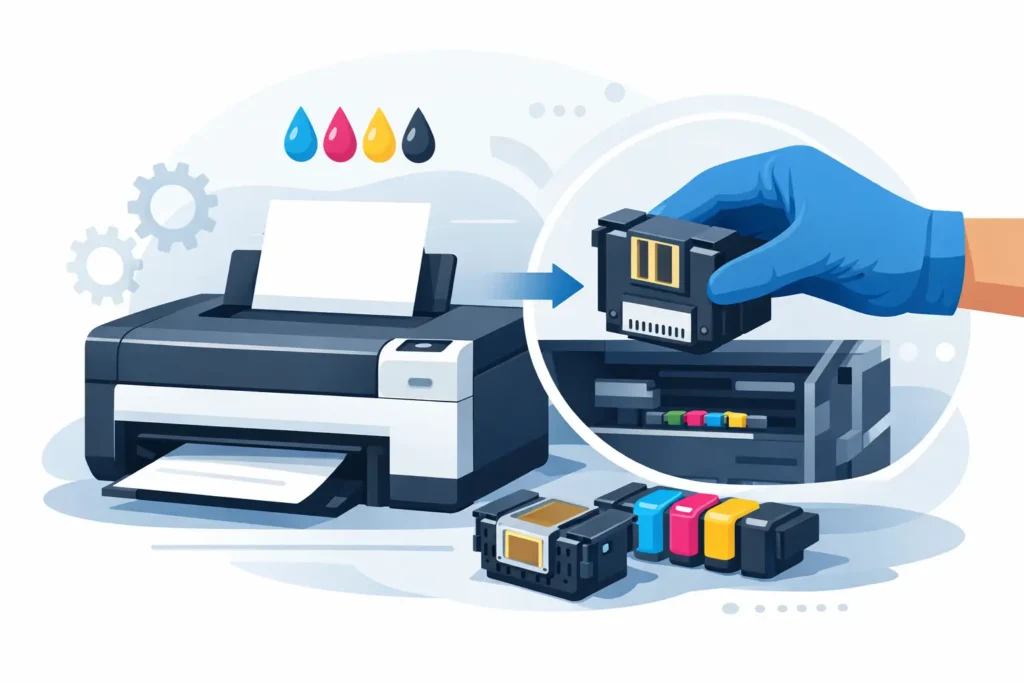
A printhead rarely fails without warning. The problem often starts gradually: labels begin scanning inconsistently at a packing station, printed text becomes harder to read, or barcodes stop performing as expected. Before long, warehouse teams are reprinting shipping labels, production is delayed while identification issues are resolved, or customers are receiving labels that scanners simply cannot read.
These small issues can quickly turn into costly operational problems. Understanding when to replace a printhead, how to select the correct replacement, and how to prevent premature wear can help keep your labeling operation running smoothly.
A replacement printhead is not a one-size-fits-all printer accessory. It must match the printer model, print technology, resolution, label width, ribbon type when applicable, and the specific demands of your application. Choosing a replacement based on price alone can lead to unnecessary downtime, poor barcode grades, and a shorter service life for the new component.
What a Printhead Does and Why It Wears Out
In a thermal transfer or direct thermal printer, the printhead uses a line of tiny heating elements to create an image on a label. When it comes to thermal transfer printing, these elements heat a ribbon, transferring ink onto the label. In direct thermal printing, they activate the heat-sensitive coating directly on the label itself.
Although these heating elements are highly precise, they are constantly exposed to heat, friction, pressure, contamination, and abrasion. Over time, individual dots or entire sections of the print line can become worn or damaged. The result? Your printer may still produce labels that look acceptable to the naked eye, but the barcodes may no longer meet the requirements of your scanners.
Printhead lifespan depends on more than just how often a printer is used. Several factors can accelerate wear, including:
- High print volumes and continuous operation
- Abrasive label materials
- Dust and adhesive buildup
- Poor-quality thermal ribbons
- Incorrect print darkness settings
- Improper cleaning and maintenance
Because these factors directly affect printhead performance, replacement should be part of your routine equipment planning rather than an unexpected expense when a printer stops performing.
Signs You May Need a Replacement Printhead
One of the most recognizable signs of a failing printhead is a consistent blank vertical line running through every printed label. This typically indicates that heating elements have stopped functioning. While cleaning may remove residue or buildup, it cannot restore heating elements that are physically worn or damaged.
Other warning signs may include:
- Faded or inconsistent printing
- Incomplete characters or missing sections of text
- Light or difficult-to-scan barcodes
- Random blank spots or voids
- Declining barcode scan rates
However, these symptoms do not always mean the printhead needs replacing. Ribbon wrinkles, incorrect print settings, dirty media sensors, poor-quality labels, and incompatible ribbons can produce similar results.
Before purchasing a replacement, print a test label and examine the results across the entire print width. If the defect appears in exactly the same position on every label, the printhead is a likely cause. If the defects move, appear intermittently, or only occur with certain materials, check the media loading, ribbon tension, platen roller condition, and printer settings first.
Identifying the actual cause can prevent unnecessary replacement costs and help you get more life out of your existing equipment.
How to Select the Right Replacement Printhead
Choosing the correct replacement starts with three important details: the printer manufacturer, exact printer model, and printer serial number.
Many printer families use components that look nearly identical, but their printheads can differ in mounting style, connector configuration, printable width, and resolution. Just because a printhead physically fits your printer does not mean it is the correct replacement.
Here are the key factors to consider before ordering.
Match the Print Resolution
Printhead resolution is measured in dots per inch (DPI), with the most common options being 203, 300, and 600 DPI. Your replacement must match the printer’s original configuration. A 300 DPI printhead cannot simply replace a 203 DPI unit in the same printer model unless the printer is specifically designed and configured to support that conversion.
Resolution also determines the level of detail your printer can produce and which applications it is best suited for.
- 203 DPI: Often ideal for standard warehouse labels, shipping labels, and larger text.
- 300 DPI: Better suited for smaller text, denser barcodes, and more detailed graphics.
- 600 DPI: Appropriate for applications requiring very fine detail, including electronics labels, laboratory labels, and other high-density identification.
Selecting the correct resolution ensures your replacement printhead can deliver the print quality your application requires.
Confirm Print Width and Printer Series
Industrial printers are designed to support different maximum print widths. A four-inch desktop or industrial printer, a six-inch printer, and an eight-inch wide-format system each require a printhead designed for their specific print line.
Always verify the exact printer series rather than relying on a general brand or product family name.
This is especially important for businesses operating multiple printers across different departments. One facility might use a printer for carton labeling, another for asset tags, and a third for compliance labels. Maintaining an accurate equipment list makes it easier for procurement teams to order the correct replacement without delaying repairs.
Consider OEM and Compatible Options Carefully
When shopping for replacement printheads, you’ll generally encounter two options: Original Equipment Manufacturer (OEM) printheads and compatible alternatives.
OEM printheads are manufactured or supplied to the printer manufacturer’s specifications. They are generally the lower-risk choice for organizations that prioritize predictable compatibility, warranty alignment, and consistent output.
Compatible printheads may offer an upfront cost advantage, but quality can vary depending on the supplier and production source.
The right choice depends on the printer’s role within your operation. For a noncritical workstation printing simple internal labels, a vetted compatible option may be reasonable. However, for regulated labels, serialized product identification, high-volume shipping, healthcare specimen tracking, or customer-facing barcodes, the cost of a failed scan can easily outweigh the initial savings.
A qualified supplier should be able to:
- Confirm compatibility with your exact printer model.
- Discuss your intended label materials and ribbon combination.
- Help identify the correct replacement component.
- Stand behind the part being supplied.
If a supplier cannot identify the exact component using your printer information, consider that a reason to pause before purchasing.
Do Not Replace the Printhead Without Checking the System
Installing a new printhead without addressing the original cause of wear can lead to another premature failure. Before installation, take time to inspect the rest of your printing system.
Start with the platen roller. A worn, nicked, hardened, or contaminated roller can create uneven pressure against the printhead. This affects print quality and places unnecessary stress on the new component.
Next, review the labels and ribbons being used. Thermal transfer ribbons should be properly matched to the label facestock and application. A ribbon that requires excessive heat settings can contribute to premature printhead wear. Labels with rough coatings, exposed adhesive, or improper edge finishing can also create additional friction across the print line.
Printer settings deserve attention, too. Running darkness higher than necessary may produce a darker image, but it also increases heat stress on the printhead. Instead, use the lowest darkness setting that produces clear text and barcodes that scan reliably.
Print speed should also match the material and image requirements. Faster printing is not always better, especially when labels contain small barcodes or variable data that must remain highly readable.
Taking the time to evaluate the entire system can help protect your investment and extend the life of your replacement printhead.
Installation Practices That Protect the New Part
Proper installation and handling are essential to getting the most out of a replacement printhead.
Always follow the printer manufacturer’s service instructions for your specific model. Power down the printer and allow the printhead to cool before handling it. Because these components can be sensitive to static electricity, handle them carefully and avoid touching the heating element line.
Once the replacement is installed, clean the print path using approved supplies and procedures. Avoid sharp tools, abrasive materials, or unapproved solvents that could damage the printhead.
A lint-free swab or approved cleaning pen is typically appropriate, but always follow the maintenance instructions provided in your printer documentation.
After loading the correct media and ribbon, run a print test. Examine the label visually, then scan representative barcodes using the same scanners and software your team relies on every day.
This step is particularly important when labels are used in warehouse management systems, shipping platforms, inventory applications, or customer compliance processes.
A label that looks clean and readable is only useful if it performs reliably in your actual workflow.
Build Printhead Replacement Into Preventive Maintenance
For facilities that depend on consistent labeling, printhead maintenance should be part of a larger preventive maintenance strategy.
Start by tracking printhead replacements by printer, date, application, and approximate print volume. Over time, these records can reveal useful patterns. If one printer requires replacement printheads much more frequently than similar units, the problem may involve the materials, cleaning schedule, print settings, or operating environment rather than normal wear.
It’s also worth keeping a critical spare printhead available for printers supporting shipping, production, traceability, or compliance labeling.
The right spare inventory level depends on several factors:
- Supplier lead times
- Number of printers in operation
- Print volume and operating schedules
- The potential impact of equipment downtime
A single spare may be sufficient for a low-volume facility, while a multi-shift distribution center or manufacturing operation may need a more comprehensive replacement parts plan.
Routine cleaning should also be scheduled around media changes and operating conditions. Dusty warehouses, recycling operations, manufacturing lines, and outdoor or harsh-environment applications may require more frequent attention than clean, office-based printing stations.
Finally, train operators to recognize early changes in print quality. Catching a developing issue early can prevent a minor maintenance concern from turning into a costly labeling interruption.
Replacement Printheads Are Part of Labeling Reliability
Choosing the right replacement printhead involves more than finding a part that fits your printer. It means selecting a component that supports the required print quality and performs reliably with your labels, ribbons, printer settings, and day-to-day workflows.
The real cost of a printhead failure goes beyond the replacement component itself. Reprinted labels, delayed shipments, unreadable barcodes, and interrupted traceability can all affect productivity and operational efficiency.
PaladinID helps operations teams evaluate replacement printheads as part of the complete labeling system. When print quality starts to decline, a thorough review of the printer, media, ribbon, and application can help restore dependable identification without treating every printing problem as an isolated hardware failure.
Whether you’re troubleshooting inconsistent print quality, sourcing the correct replacement, or looking to improve your preventive maintenance strategy, PaladinID can help you find the right labeling solution for your operation.
PaladinID – Make Your Mark.


Got Labeling Questions? Our AI Assistant Has Answers - Chat Now!
For more information on PaladinID
Get Help With Your Next Label Project
We have over 35 years of providing exceptional service and labeling products to the world. Take the first step to an easy, stress-free solution for your label needs by contacting us.
Schedule a call below or email [email protected]
Make Your Mark
“Making companies more competitive by offering the correct label printing solution, on time, within budget, while creating unmatched value”.
About PaladinID, LLC
PaladinID develops and supports high-performance barcode labeling applications. We work with our clients to “Make Your Mark” by providing the expertise and tools necessary to create an entire product label printing solution. Located in central New Hampshire, PaladinID has been serving Massachusetts, Vermont, Maine, Connecticut, Rhode Island, New England, and beyond for over 30 years, and in 2017, became an RFID-certified company. We look forward to working with you.
You may be interested in our other services:
Product Labels
Product Labels
Labels for every type of application: Blank, Pre-printed, Variable data
Label Printers
Label Printers
We sell and support: Direct/thermal transfer, Inkjet, Laser
Printer Ribbons
Printer Ribbons
We sell ribbons for ALL barcode printers including: Zebra, Datamax, Sato, Intermec
Flexible Packaging
Flexible Packaging
We offer a wide variety of packaging containers for your products.
Label Software
Label Software
Software for all barcode printing and product labeling.
Label applicators
Label Applicators
Wide selection of applicators: Desktop/Mobile, Applicator only, Print & apply
