
Looking for specific info?
Click a question and our AI assistant will help:
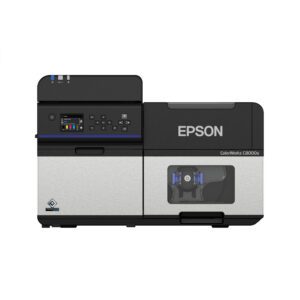
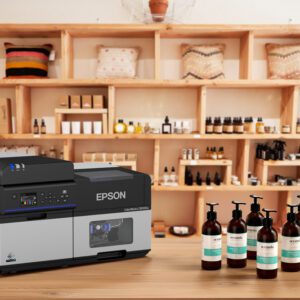
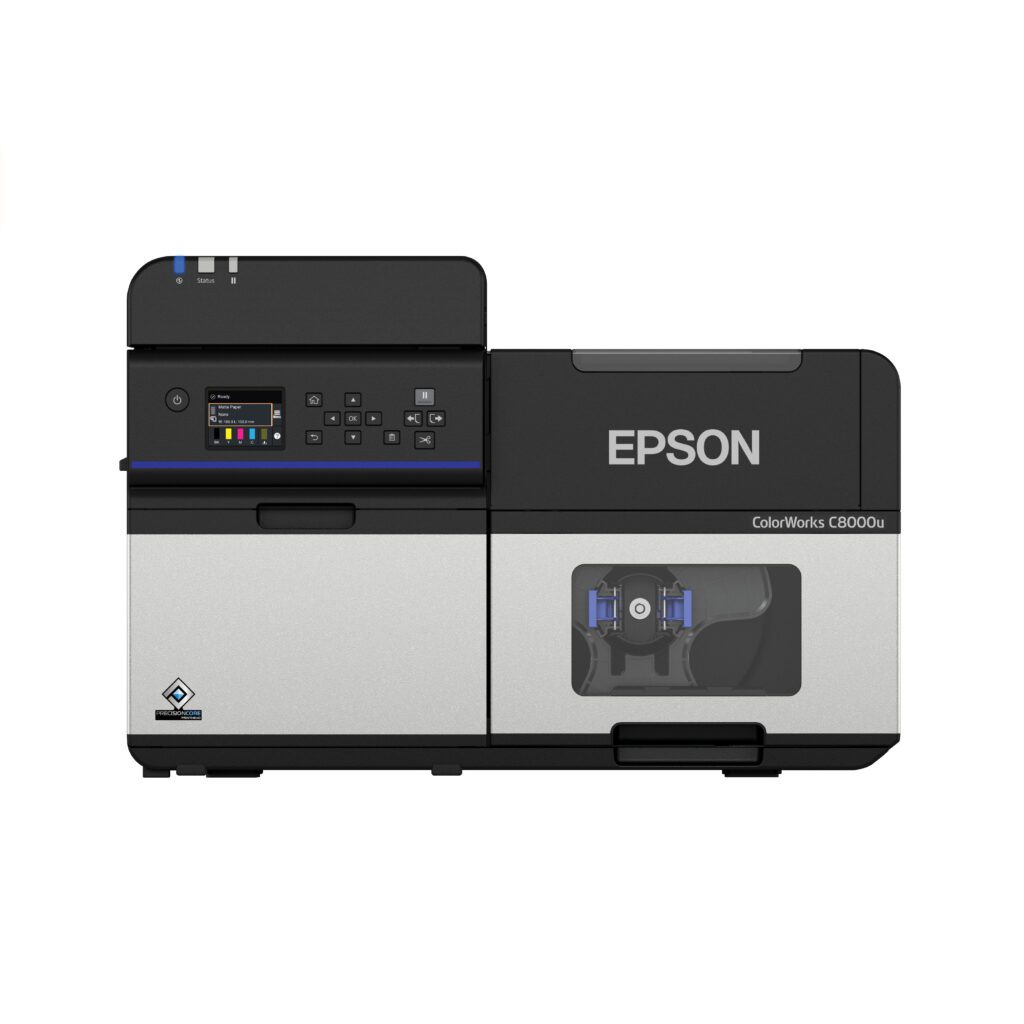
Epson C8000 Color Inkjet Printer
- High-speed 4" color label printing up to 11.8 inches per second for mid- to high-volume applications
- PrecisionCore® Heat-Free technology delivers sharp text, smooth gradients, and accurate barcodes
- UltraChrome® DL pigment inks provide smudge-, smear-, and fade-resistant labels
- Auto-cutter included standard with Gloss or Matte configuration options for optimal performance




Product Details
Epson ColorWorks C8000
High-Speed, On-Demand Color Label Printing — Powered by PaladinID
When your business depends on high-volume, high-quality color labels, you need more than just a printer—you need a powerhouse. The Epson ColorWorks C8000, combined with PaladinID’s expertise, gives you the ultimate on-demand color labeling solution to streamline production, reduce costs, and elevate your brand.
At PaladinID, we’ve spent decades helping companies transform the way they print labels. The C8000 is one of the most advanced 4" industrial color label printers on the market today, and we’re here to help you make the most of it.
Unmatched Print Quality That Makes Your Products Stand Out
Powered by PrecisionCore® Heat-Free technology, the C8000 delivers exceptional clarity, vibrant colors, and razor-sharp text. Whether you’re printing bold branding, intricate graphics, or precise barcodes, this printer makes every label look like it came off a high-end digital press.
The UltraChrome® DL pigment ink system produces smudge-resistant, smear-resistant, fade-resistant labels—ideal for demanding environments such as food, chemical, medical device, and manufacturing. It even meets BS 5609 certification, making it perfect for GHS and marine labeling.
If print quality matters to your business—and it should—the C8000 gives you a professional advantage from the very first label.
High-Volume Productivity Without the Bottlenecks
Your labeling is only as efficient as your slowest process. That’s why the C8000 is engineered for speed, producing labels at up to 11.8 inches per second for true mid- to high-volume output. This printer thrives in environments where variable data, batch runs, and on-demand flexibility are critical.
Its permanent PrecisionCore printhead and massive 1.9-liter total ink capacity reduce interventions, lower downtime, and cut consumable waste—keeping your team focused on production instead of printer maintenance.
Built for the Real World: Durable, Reliable, and Flexible
From paper to glossy films to synthetics, the C8000 supports a wide range of label materials and constructions, giving you complete freedom to design labels for every application. Its robust construction—with an auto cutter rated for up to 1.5 million cuts—ensures years of dependable operation.
At PaladinID, we can pair the C8000 with custom labels designed specifically for your application, ensuring optimal performance, durability, and compatibility.
Seamless Integration Into Your Workflow
The Epson C8000 features the most advanced connectivity in the ColorWorks lineup, including:
-
Full ZPL II® support
-
Compatibility with SAP®, major middleware, and all major operating systems
-
Epson Cloud Solution PORT® for real-time fleet monitoring
-
Optional Wi-Fi for flexible placement
Whether you’re replacing a thermal transfer system, upgrading an older color printer, or building a new workflow, we integrate the C8000 into your environment smoothly and efficiently.
Why Choose PaladinID?
Because You Need a Partner—Not Just a Printer
When you purchase the Epson C8000 from PaladinID, you get more than equipment. You get:
✔ Expert guidance from 40+ years in labeling
✔ Custom labels engineered to your exact needs
✔ Application testing and material recommendations
✔ Ongoing support to keep your system running flawlessly
✔ The confidence of working with an Epson Advantage Gold ProFocus Partner
We don’t just sell printers—we help businesses find labeling solutions that stick.
Your Next Step Toward Better Labeling Starts Now
If you’re ready to take control of your color label production, reduce inventory and waste, and elevate your brand with stunning, durable labels, the Epson ColorWorks C8000 is the solution.
Let PaladinID help you design the perfect labeling system for your operation.
Need Something Custom? We’ve Got You.
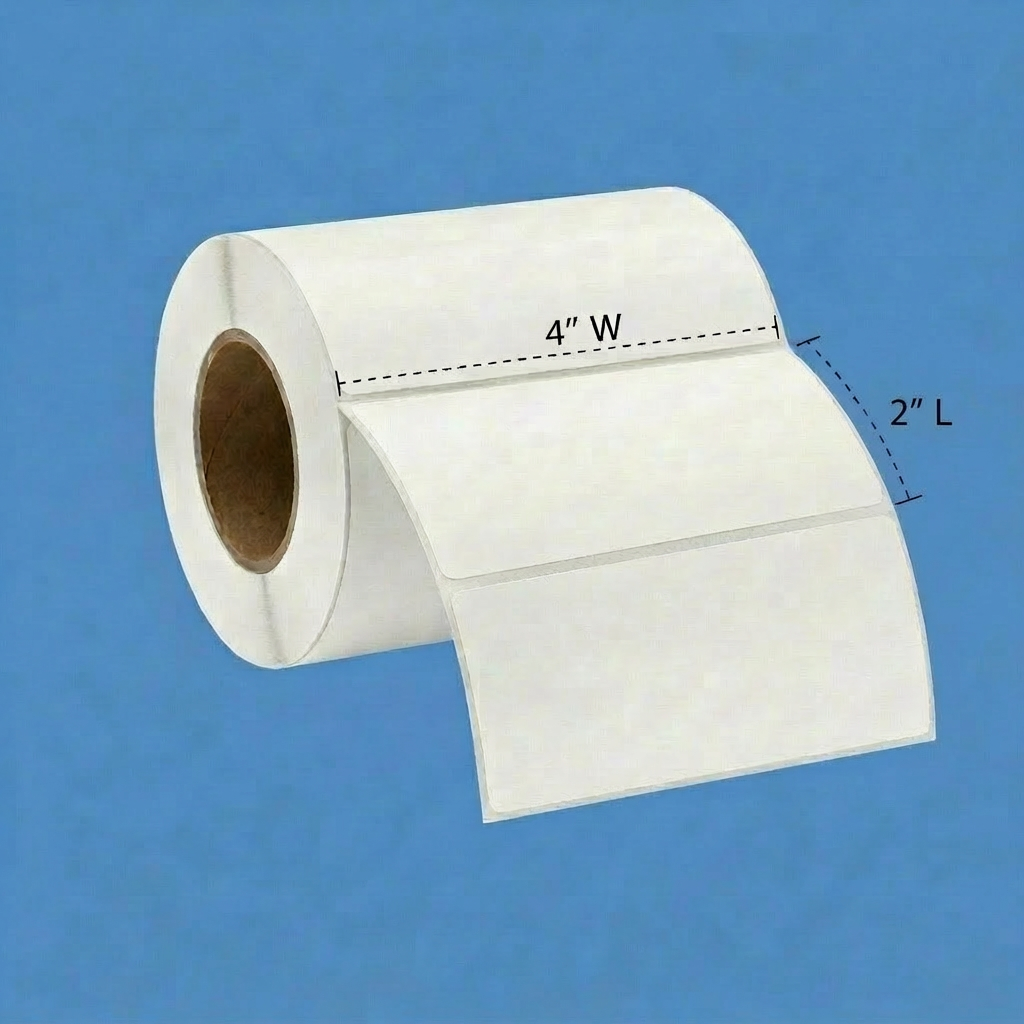
Custom Labels: This label material can be ordered in any size, shape, or color to meet your specific application. When an off-the-shelf solution does not meet your requirements, we can help with a custom solution. Please send us an Email or give us a call at 888.972.5234 to discuss your label application.
Make your brand shine—on demand.
Request samples, pricing, or a fast quote.
Call 888.972.5234, Email us or schedule a Discover Call to discuss your application.
PaladinID — Solutions That Stick.
Need Help?
Contact us for more details about this product's applications and specifications.
Call: 888.972.5234
Email: [email protected]
Epson ColorWorks C8000 Inkjet Label Printer – Frequently Asked Questions
1. What is the Epson ColorWorks C8000 label printer used for?
The Epson ColorWorks C8000 is a high-speed industrial color inkjet label printer designed for mid-to-high volume batch label printing. It allows businesses to print high-quality product labels, GHS labels, compliance labels, and packaging labels with variable data directly on demand.
2. How fast can the Epson C8000 print labels?
The Epson C8000 can print labels at speeds up to 11.8 inches per second, making it one of the fastest color inkjet label printers in the ColorWorks lineup.
3. What label sizes can the Epson C8000 print?
The Epson C8000 supports labels from approximately 1 inch up to 4.4 inches wide, with a maximum print width of 4.25 inches. Label lengths can reach up to 40 inches depending on the application.
4. What type of ink does the Epson ColorWorks C8000 use?
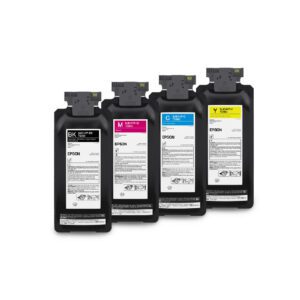
The printer uses UltraChrome DL pigment inks in CMYK cartridges. These inks produce vibrant colors, sharp barcodes, and durable labels that resist smudging and fading.
5. Is the Epson C8000 good for high-volume label printing?
Yes. The printer is designed for high-volume production environments and features large ink packs, a permanent PrecisionCore printhead, and a durable industrial design.
6. Can the Epson C8000 print barcodes and QR codes?
Yes. The printer prints high-resolution barcodes, QR codes, and variable data labels using its 600 x 1200 dpi print resolution.
7. Does the Epson C8000 support Zebra printer languages?
Yes. The Epson C8000 supports ZPL II language emulation, allowing it to integrate into Zebra printer workflows.
8. What types of label materials can the Epson C8000 print on?
The printer supports matte paper, gloss paper, synthetic labels, glossy films, and tag stock designed for inkjet printing.
9. Can the Epson C8000 be managed remotely?
Yes. Epson Cloud Solution PORT and remote management tools allow businesses to monitor printer status, ink levels, and performance across multiple printers.
10. What operating systems does the Epson ColorWorks C8000 support?
The printer supports Windows, macOS, and Linux operating systems and offers Ethernet, USB, and optional Wi-Fi connectivity.
Let's Talk!
If you are evaluating the Epson ColorWorks C8000 inkjet label printer, PaladinID can help you select the right printer, label material, and ink configuration for your application. Email us or call 888.972.5234. You can also schedule a Discovery Call.
Recommended For You
You may also like:
Your Browsing History
✨ Personalized based on your recent activity
From the Blog
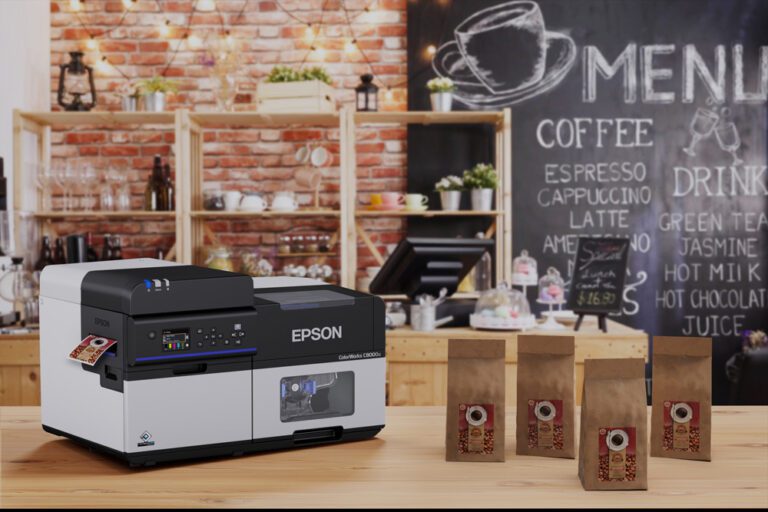
Epson ColorWorks C8000 Label Printer
High-Speed, On-Demand Color Label Printing for Growing Businesses If your labeling process is slowing you down, it’s time to rethink…
Read More →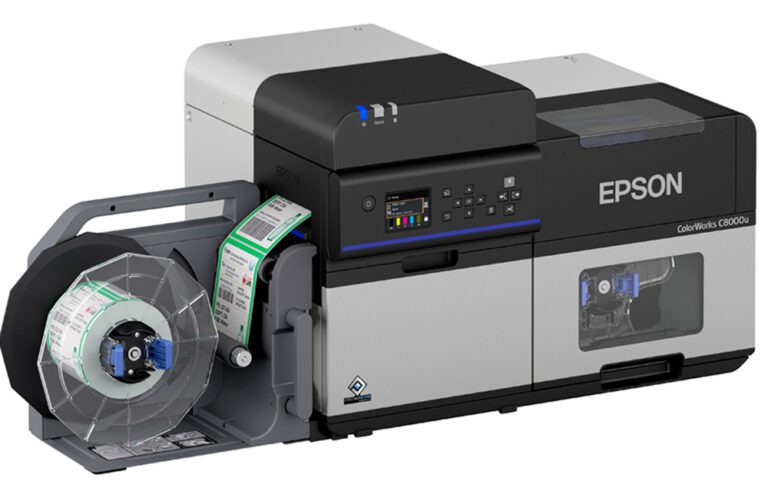
A First for Color Label Printing: RFID Comes to the Epson C8000
Innovation just took a big step forward. We’re excited to announce a brand-new capability for the Epson ColorWorks C8000: the…
Read More →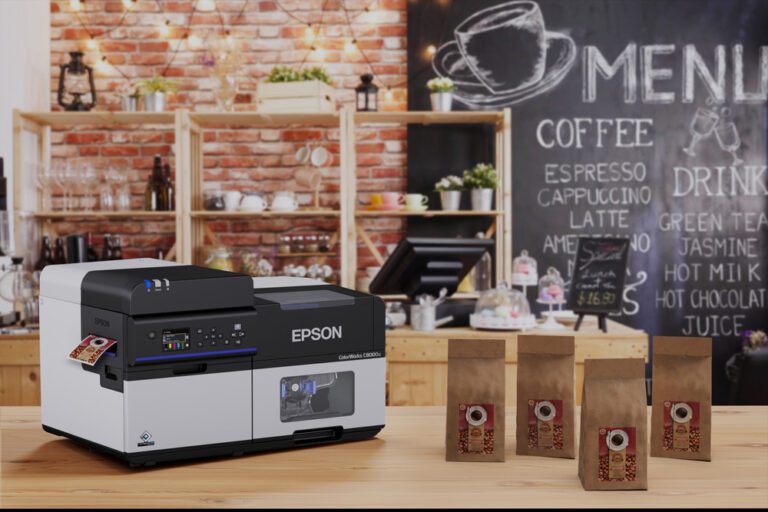
Introducing the Epson C8000 Colorworks Inkjet Label Printer: A Game-Changer for On-Demand Color Labeling
Are you looking for a high-speed, high-resolution inkjet label printer that delivers vibrant, full-color labels on demand? Meet the Epson…
Read More →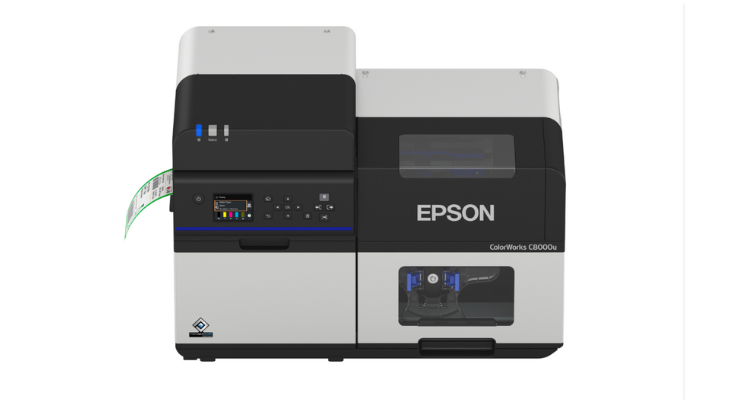
The New Epson Colorworks CW-C8000 Has Arrived!
We have been patiently awaiting for a larger version of the Epson Colorworks C7500 for several years now and today…
Read More →Case Studies
See how businesses use our products



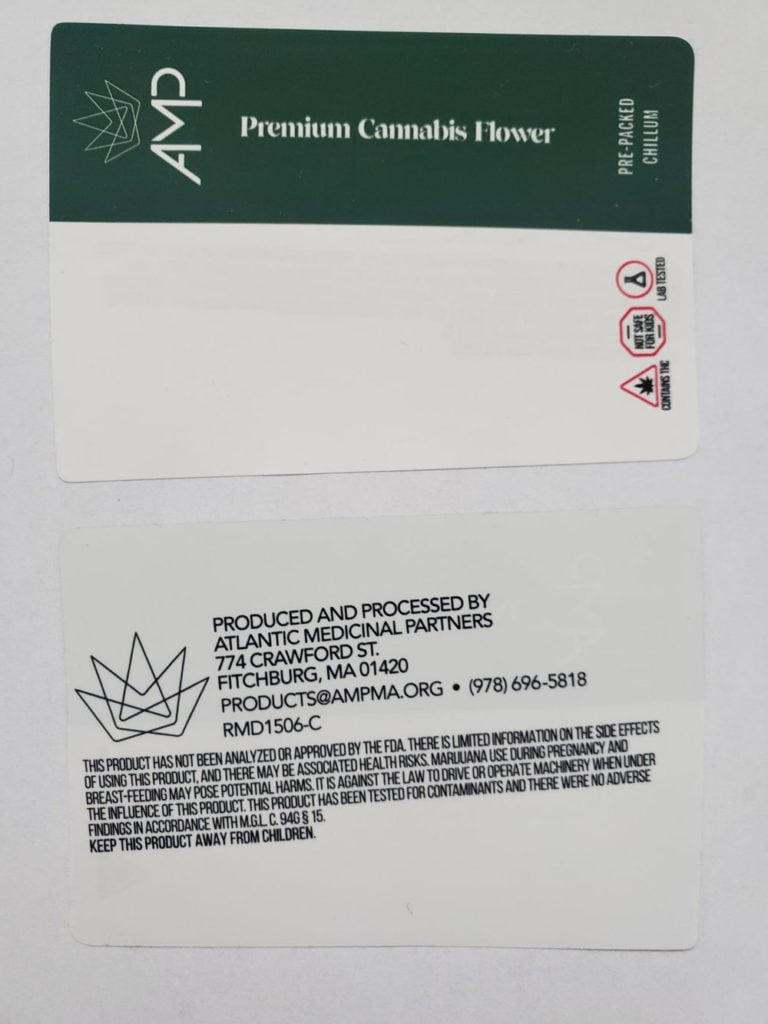


Need a Custom Quote?
Get personalized pricing for your specific requirements. Our team is ready to help.
Get a Label Quote