
Looking for specific info?
Click a question and our AI assistant will help:
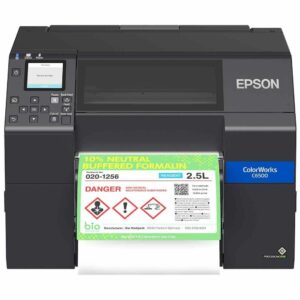
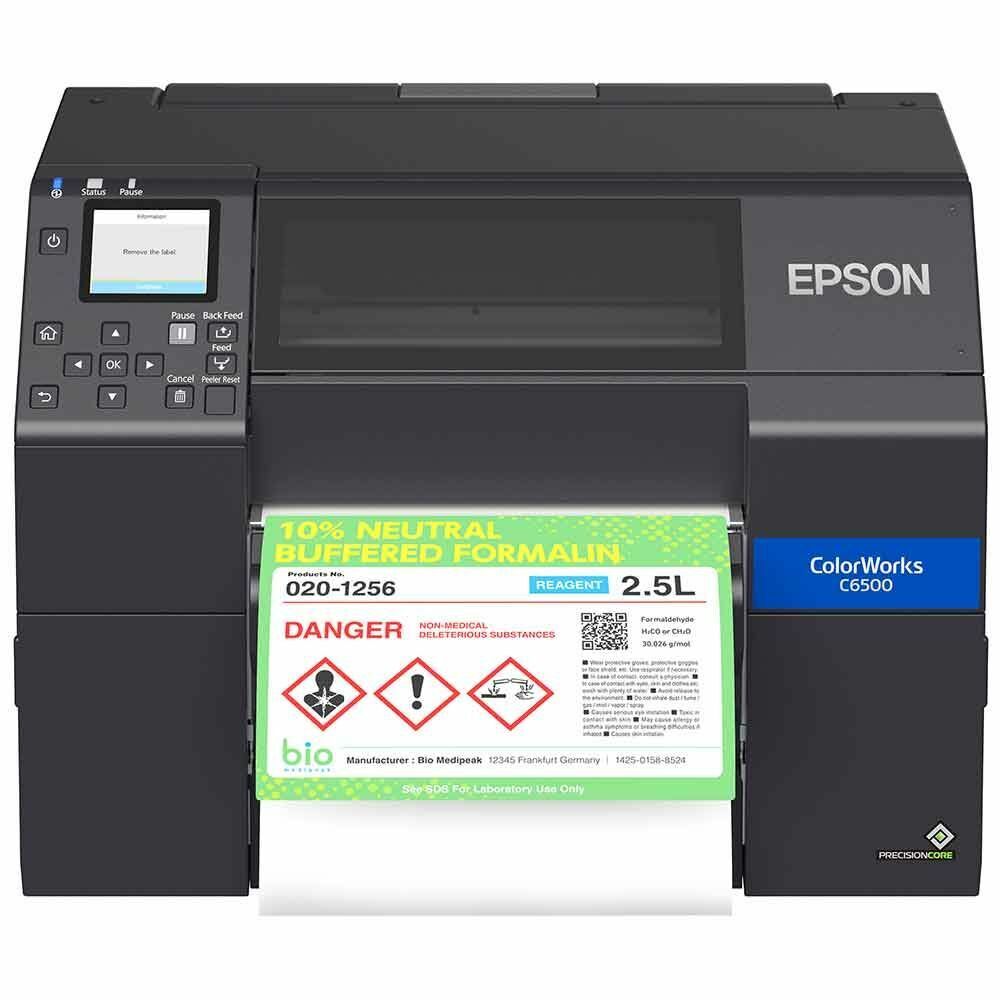
Epson C6500 Color Inkjet Printer
- 🏷️ Built-in peeler for fast label application workflows
- 🎯 8" wide high-resolution color output for industrial uses
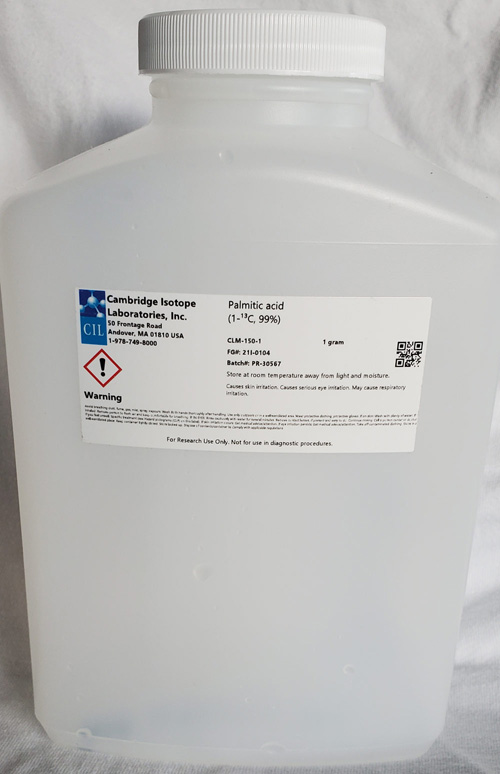
- 💪 Ideal for print-and-apply, GHS, and compliance labeling
- 🌐 Integrates with ZPL II/SAP and remote management systems







Product Details
Epson ColorWorks C6500P – Peel-and-Present Model
The Epson ColorWorks C6500P is a wide-format (up to 8") color inkjet printer with a built-in peel-and-present mechanism for efficient manual or automated labeling. With high-resolution 1200 dpi output, it supports GHS-compliant and variable-data labeling across gloss, matte, and synthetic substrates. Seamlessly integrates with ZPL II-based systems, remote management tools, and more.
- 🏷️ Peel-and-present for fast label application
- 🎯 Prints up to 8" wide in vivid full color
- 💪 Industrial pigment ink stands up to harsh conditions
- 🔌 Works with ZPL II/SAP & network environments
Why Customers Choose This Product:
- ✔️ Improves label application speed and accuracy
- ✔️ Supports wide-format labeling with top-tier resolution
- ✔️ Durable output for chemicals, warehouse, or retail
- ✔️ Easily integrates into thermal printer workflows
Let’s Talk!
- 📞 Call us today at 888.972.5234
- 📧 Email us for guidance or samples
- 🔍 Schedule a Discovery Call to explore your options
Need Help?
Contact us for more details about this product's applications and specifications.
Call: 888.972.5234
Email: [email protected]
Epson ColorWorks C6500 Inkjet Label Printer – Frequently Asked Questions
1. What is the Epson ColorWorks C6500 inkjet label printer used for?
The Epson ColorWorks C6500 is an industrial color inkjet label printer designed for on-demand printing of large-format color labels. It is commonly used for chemical labeling, GHS labels, compliance labels, and product labeling applications.
2. What is the difference between the Epson C6000 and C6500 printers?
The Epson C6000 prints labels up to about 4 inches wide, while the Epson C6500 supports labels up to approximately 8 inches wide. The C6500 is typically used for larger compliance labels and product labels.
3. What size labels can the Epson C6500 print?
The Epson C6500 supports label widths from approximately 1 inch to 8.5 inches, with a maximum print width of about 8.34 inches.
4. What type of ink does the Epson ColorWorks C6500 use?
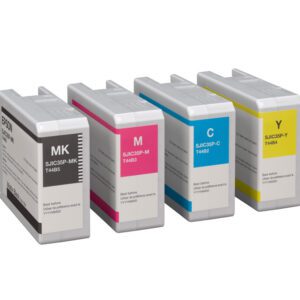
The printer uses UltraChrome DL pigment inks in CMYK cartridges, producing vibrant colors and durable prints suitable for industrial labeling applications.
5. Can the Epson C6500 replace pre-printed labels?
Yes. Many companies use the Epson C6500 to eliminate pre-printed label inventory by printing labels on demand.
6. What is the difference between the C6500A and C6500P models?
The C6500A includes an auto cutter for cutting labels between jobs. The C6500P includes peel-and-present capability for dispensing one label at a time.
7. Does the Epson C6500 support Zebra printer languages?
Yes. The printer supports ZPL II language emulation, allowing it to integrate with Zebra printer environments.
8. What types of label materials work with the Epson C6500?
The printer supports matte paper labels, gloss paper labels, synthetic labels, PET films, and other inkjet-compatible materials.
9. Can the Epson C6500 print barcodes and QR codes?
Yes. The printer supports a wide range of barcode formats including QR codes, DataMatrix, GS1 DataBar, and Code 128.
10. Can the Epson C6500 be integrated into automated labeling systems?
Yes. The printer includes a general-purpose I/O port that allows integration with automated labeling systems and applicators.
Let's Talk!
If you are evaluating the Epson ColorWorks C6500 inkjet label printer, PaladinID can help you select the right printer and label materials for your application. Email us or call 888.972.5234. You can also schedule a Discovery Call.
Recommended For You
You may also like:
From the Blog
Exploring the Superiority of the Epson C6500 Series for Your Label Printing Needs with PaladinID
When it comes to selecting the right label printer for your business, the choices can be overwhelming. However, if you’re…
Read More →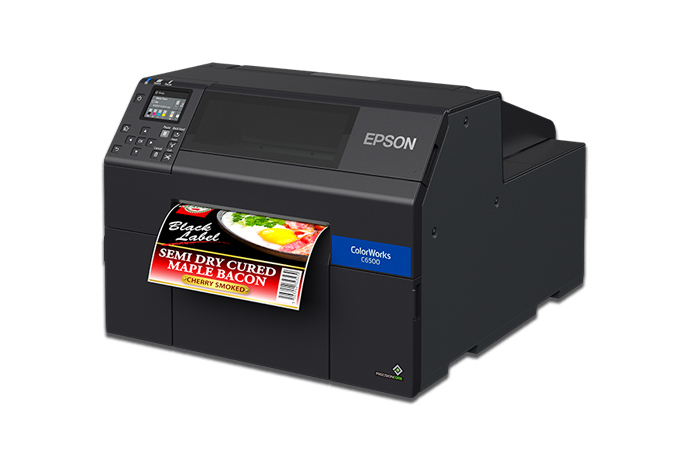
Epson ColorWorks CW-C6500: Elevating the Standards of Color Label Printing
The Epson ColorWorks CW-C6500 series, particularly the CW-C6500A model, stands as a shining example of Epson’s commitment to fusing high…
Read More →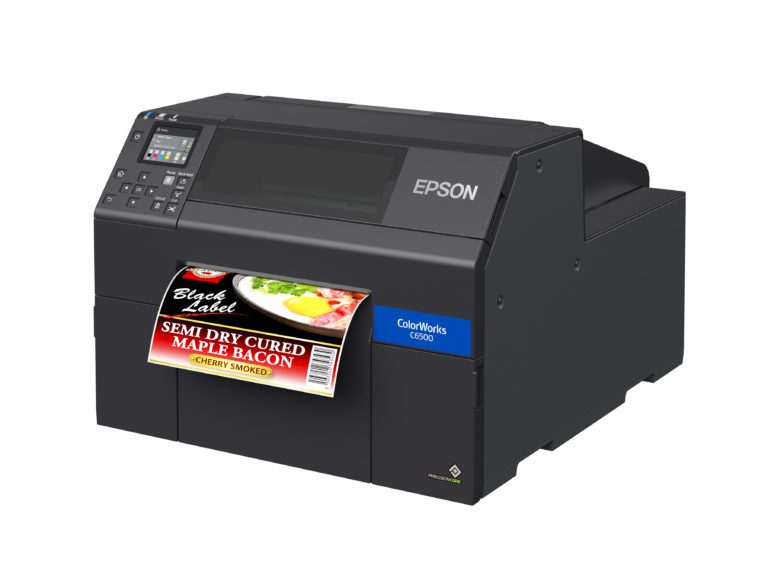
Epson C6500 Was the Solution!
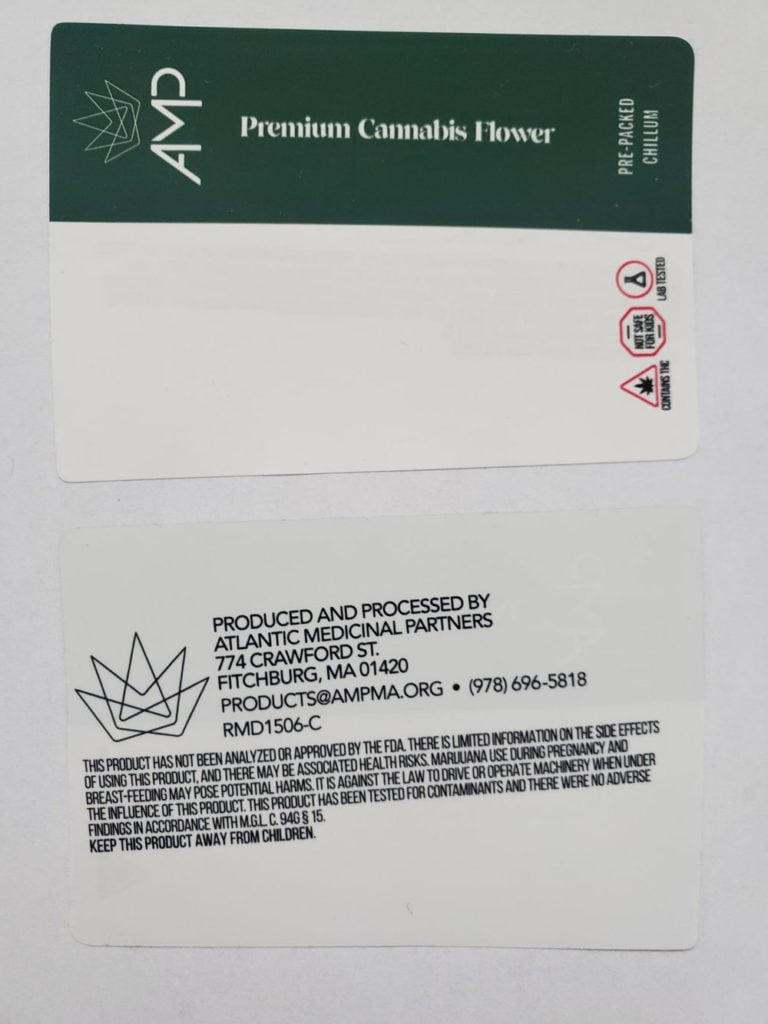
When you need to add color, symbols and/or warnings to your black and white labels, the Epson C6500 might be the…
Read More →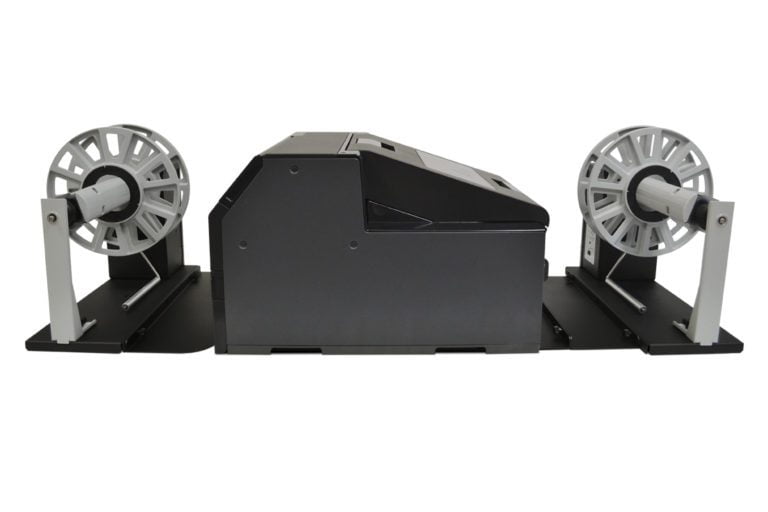
Label Unwinder/Rewinder For the Epson C6500 Label Printer
Have you heard that Epson just released a new inkjet label printer? We are very excited about this printer and…
Read More →Case Studies
See how businesses use our products




Need a Custom Quote?
Get personalized pricing for your specific requirements. Our team is ready to help.
Get a Label Quote