
Looking for specific info?
Click a question and our AI assistant will help:
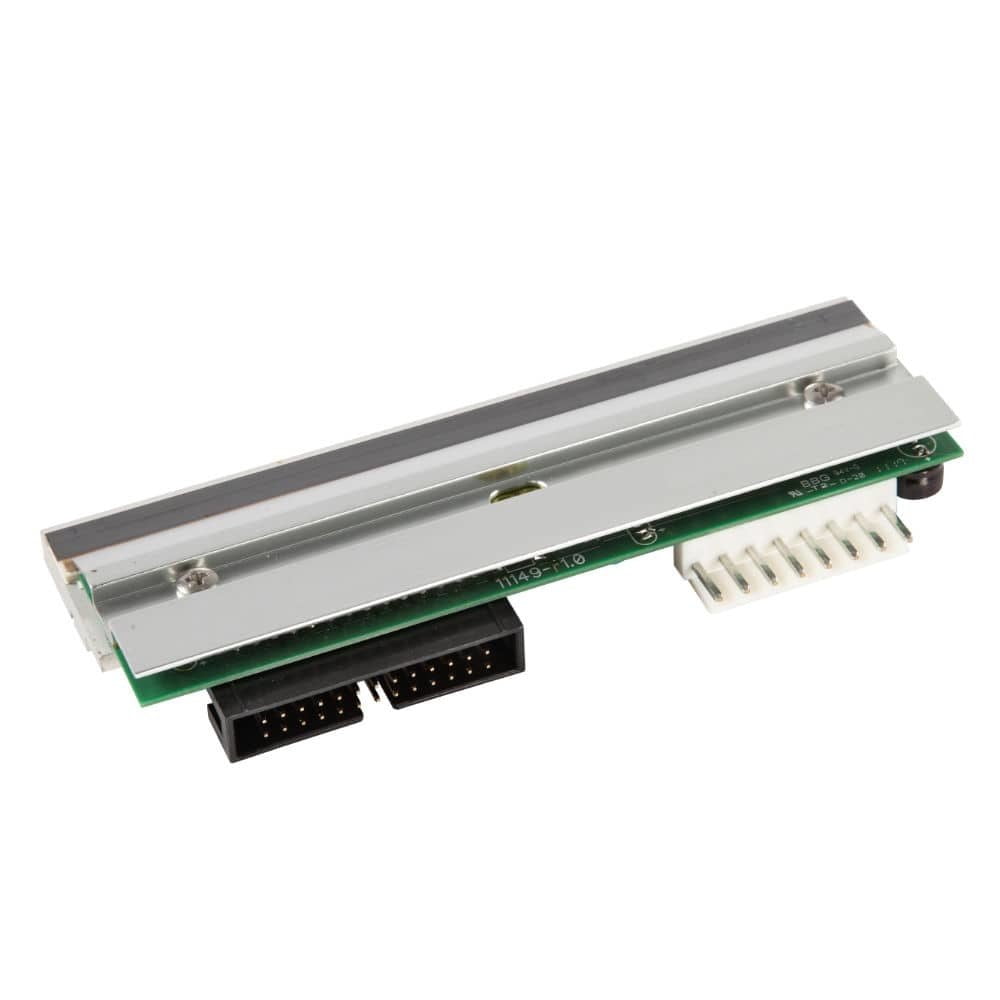
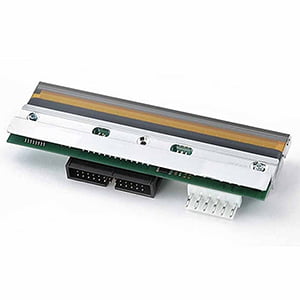
Genuine Zebra ZD621T Printhead









Product Details
Genuine Zebra ZD621T Printhead 203 DPI – Reliable Desktop Label Printing
When your desktop label printer begins producing faded barcodes, vertical streaks, or missing dots, labeling accuracy and productivity quickly decline. The Genuine Zebra ZD621T Printhead 203 DPI restores crisp barcode definition, consistent print density, and dependable performance for everyday labeling operations.
Manufactured by Zebra Technologies, this genuine OEM printhead is engineered specifically for the Zebra ZD621T thermal transfer desktop printer. The 203 DPI resolution (8 dots/mm) delivers clear text and reliable barcode readability for shipping labels, product labels, compliance labels, inventory labels, and retail labeling.
Product Overview
The Genuine Zebra ZD621T 203 DPI printhead delivers precise thermal printing for barcodes, text, and graphics in demanding business environments. Over time, printheads naturally wear due to heat and friction, which can cause missing dots, streaks, or uneven print density that leads to scanning errors and label waste.
Replacing the printhead restores print clarity and helps maintain reliable labeling operations.
Key Features
- Resolution: 203 DPI (8 dots per mm)
- Genuine Zebra OEM printhead manufactured by Zebra Technologies
- Designed specifically for Zebra ZD621T thermal transfer printers
- Ideal for shipping labels, product labeling, and inventory tracking
- Consistent heat distribution across the print width
- Helps reduce reprints and labeling downtime
Compatible With
- Zebra ZD621T Desktop Printers
- Zebra ZD621R RFID Desktop Printers
- Thermal Transfer Printing
Pro Tips from a Labelologist
- Clean the printhead regularly with approved cleaning supplies
- Use high-quality ribbons and label materials
- Avoid excessive heat settings during printing
- Inspect the platen roller when installing a new printhead
Let’s Talk!
Call 888.972.5234
Email us
or book a Discovery Call.
Need Help?
Contact us for more details about this product's applications and specifications.
Call: 888.972.5234
Email: [email protected]
Recommended For You
You may also like:
From the Blog
PaladinID CAB Replacement Printheads
Restore Print Quality Fast—In Stock and Ready to Ship When your printhead starts to wear out, everything suffers—barcode clarity drops,…
Read More →
TSC Replacement Printheads – Protect Your Print Quality and Uptime
When your labels matter—and they always do—your printhead is the most critical component in your entire printing operation. At TSC…
Read More →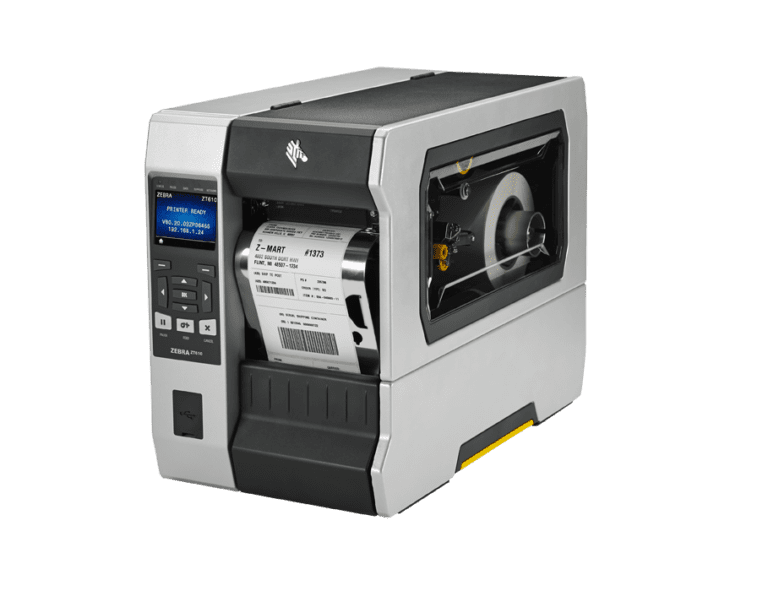
Zebra ZT610 Replacement Printheads (203, 300, 600 DPI) – Precision Performance Starts Here
Maximize Print Quality. Minimize Downtime. Trust PaladinID as Your Guide. When your operation depends on crisp barcodes, sharp text, and…
Read More →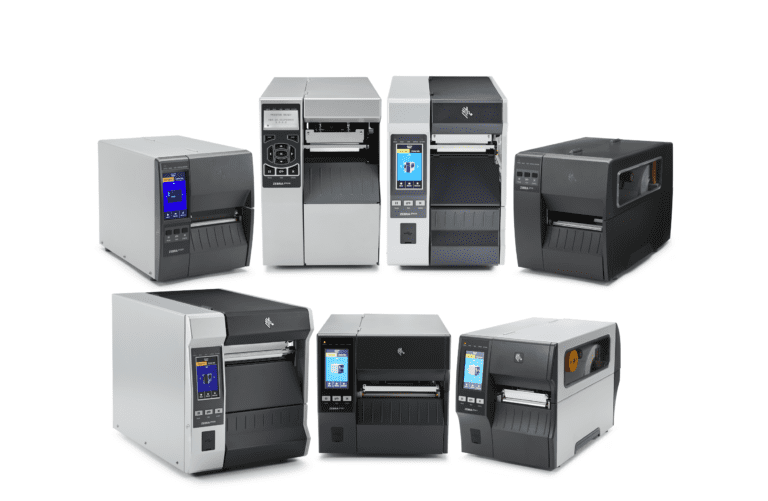
Product Spotlight: Zebra Replacement Printheads — In Stock & Ready to Ship
When it comes to keeping your Zebra thermal printers running at peak performance, nothing matters more than using the right…
Read More →Case Studies
See how businesses use our products







Need a Custom Quote?
Get personalized pricing for your specific requirements. Our team is ready to help.
Get a Label Quote